Practical AtlasIndependent reference
 ESP
ESP KOR
KOR JPN
JPNAI / FIELD 04
Brief the work.
Build carefully.
Verify the result.
Learn what AI can do, give Claude Code or Codex a bounded task, and inspect the evidence before you call it finished.
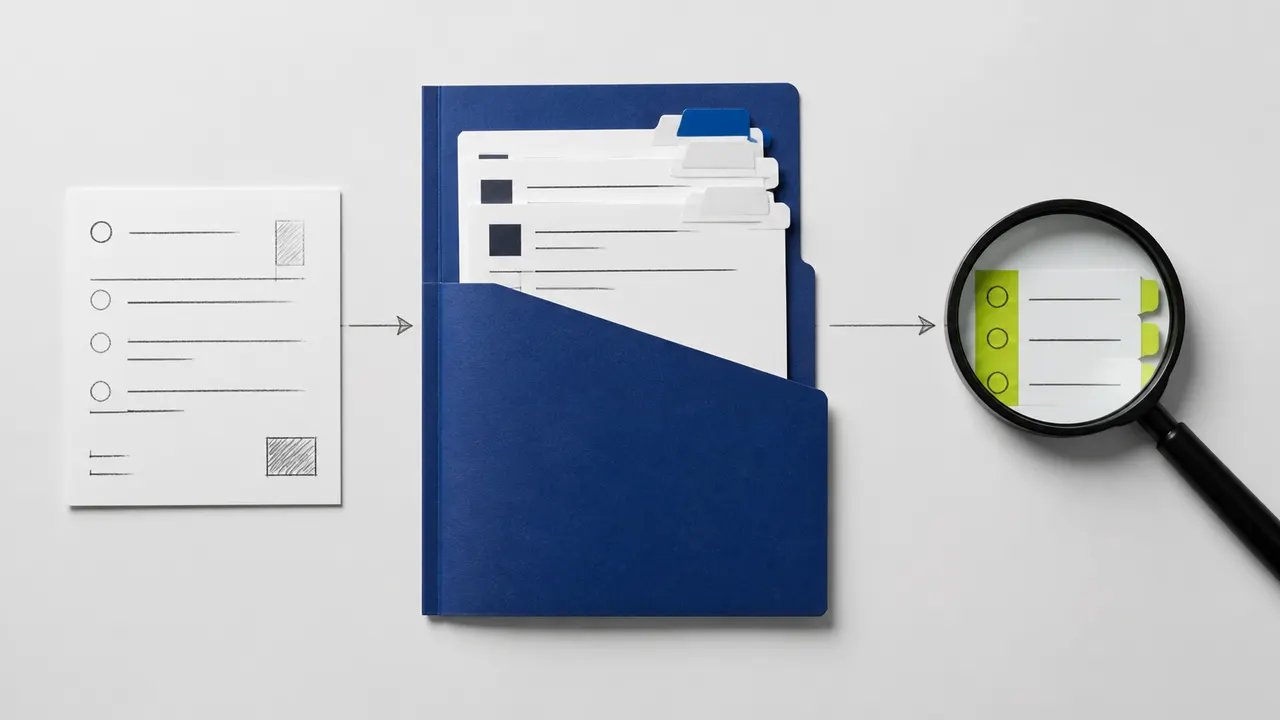
CURRENT MODEL NOTES / 05
What changed.
What it means.
Dated, source-led explanations for fast-moving models—connected to durable guides for cost, selection, and verification.

GPT-6 Astra Explained: Capabilities, Context, Pricing, and Limits
A source-checked field guide to GPT-6 Astra: what the API model supports, what one million tokens does not guarantee, and when its higher unit price may or may not be justified.
Read the field note ↗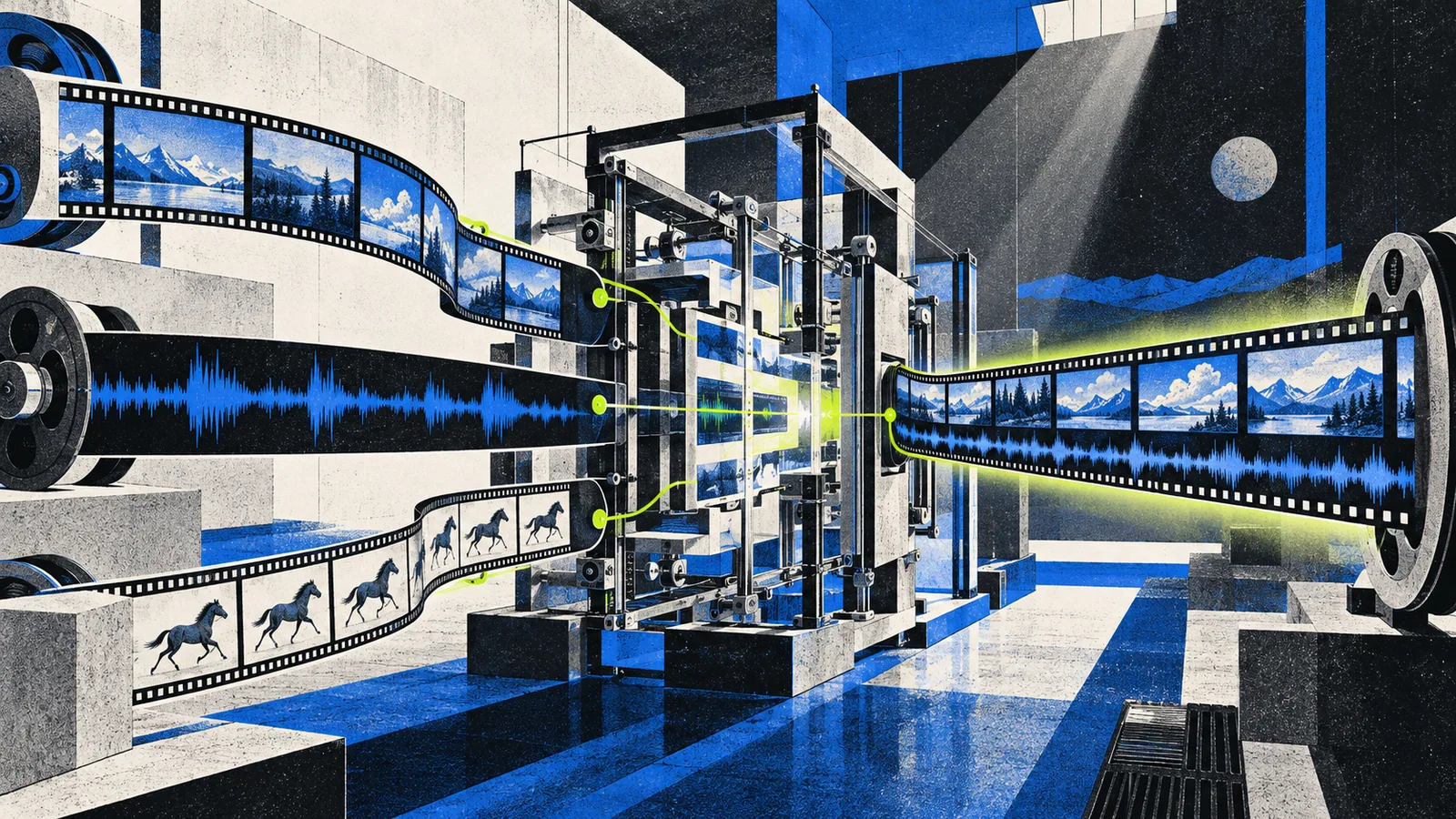
MiniMax H3 Explained: Open-Source Video, Native Audio, and the Hosted Gap
Understand what MiniMax H3 accepts and produces, which system components are open source, and why “open source” does not mean the complete 2K workflow runs locally.
Read the field note ↗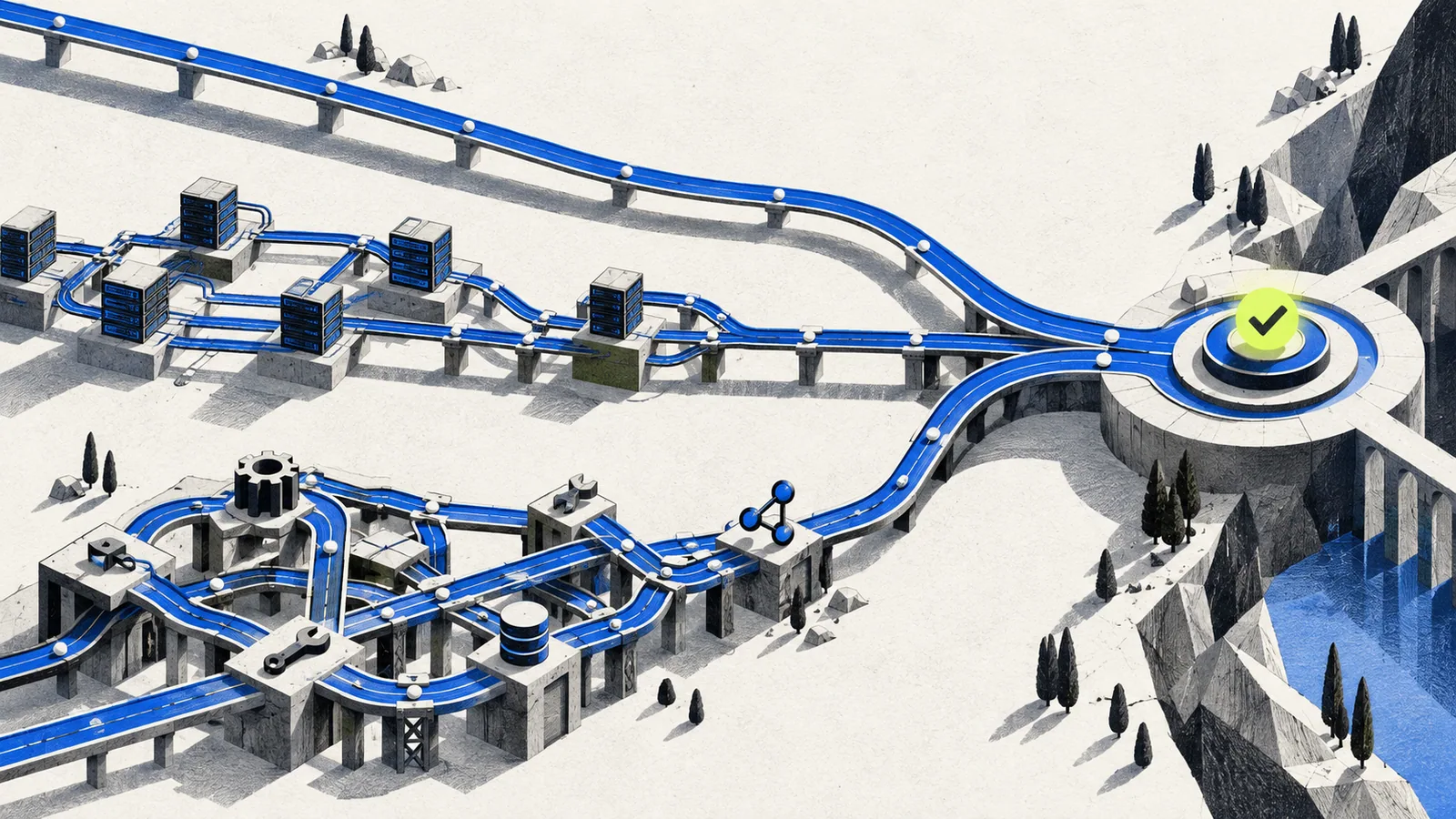
How to Choose an AI Model for Coding Agents
Choose a coding model with a task-shaped evaluation: repository reach, tool reliability, latency, cost per accepted change, and the evidence required before integration.
Read the field note ↗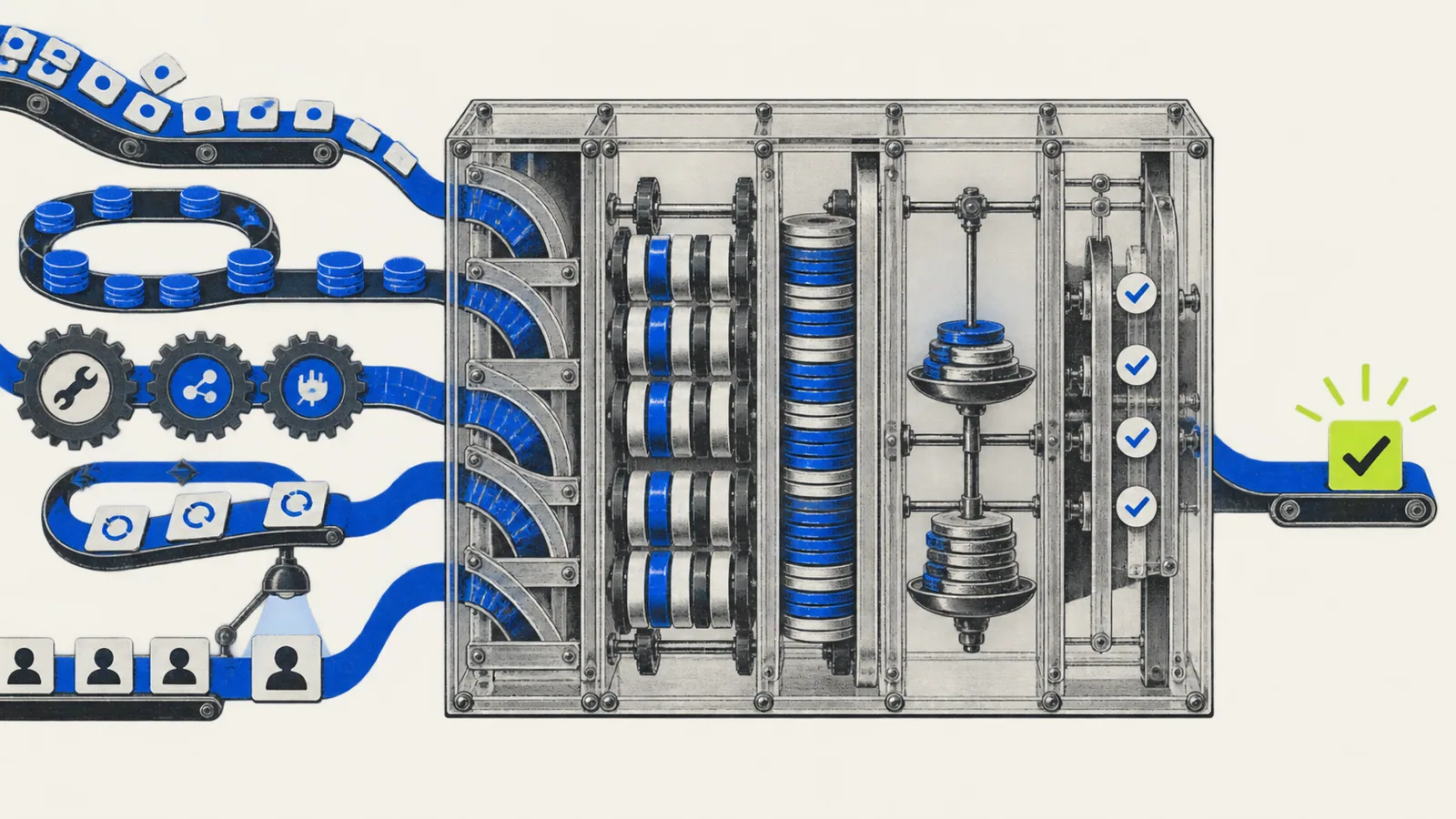
The Real Cost of Using AI APIs: Tokens, Caching, Tools, and Retries
Turn per-million-token prices into a realistic task budget that includes output, cache writes, long-context multipliers, tool calls, failed attempts, and human review.
Read the field note ↗
How to Read AI Benchmark Claims Without Being Misled
Inspect the task, dataset, tool access, scoring method, cost, variance, and replication behind an AI benchmark before using a leaderboard to choose a model.
Read the field note ↗01 / LEARNING STAGE
Beginner
Understand the boundary between a suggestion, an action, and evidence.
Separate a generated suggestion from a tool action, then turn a small contact-form request into something you can inspect and verify.
↗AI-0002Write an AI Task Brief with Clear Acceptance CriteriaReplace “improve this form” with a bounded goal, relevant context, allowed files, acceptance checks, and explicit reasons to stop and ask.
↗AI-0003Tokens, Context, and Memory: What an Agent Can UseBuild a compact project handoff without confusing the current context, durable instructions, model training, and a summary of earlier work.
↗AI-0004Verify AI Output and Protect Project DataUse a claim ledger and a data boundary to decide what can be checked locally, what may be shared, and which actions require a separate approval.
↗02 / LEARNING STAGE
Builder
Open a project, record its rules, and make one bounded change.
Choose the current official setup for your environment, open a disposable project, and verify a read-only contact-form inspection before allowing edits.
↗AI-0006Write a CLAUDE.md That Describes Your Actual ProjectTurn verified project facts into concise Claude Code instructions, keeping durable rules separate from one-off tasks and permission enforcement.
↗AI-0007Claude Code: Plan, Build, Then Review a Small ChangeImprove one contact-form behavior with a scoped plan, a failing acceptance check, a small patch, and an independent review of the resulting diff.
↗AI-0009Your First Read-Only Project in CodexIdentify your current Codex environment, inspect a disposable repository, and verify the returned file inventory before authorizing a modification.
↗AI-0010Write AGENTS.md with Clear Directory BoundariesDescribe verified project facts, commands, and approval boundaries for Codex, then check how root and nested guidance apply to the next task.
↗03 / LEARNING STAGE
Operator
Choose environments and extensions without granting unnecessary access.
Choose the smallest extension for a repeatable workflow, and identify what it can read, execute, or send before adding it to a project.
↗AI-0011Codex Local, Worktree, or Cloud: Choose the Right BoundarySeparate working-file isolation from security and hosted execution, then choose a workspace with an explicit plan for setup, review, and cleanup.
↗AI-0012Codex Skills, MCP, Subagents, and Scheduled TasksChoose reusable guidance, a connector, bounded delegation, or a scheduled check based on the task’s real need and the access each option requires.
↗04 / LEARNING STAGE
Expert practice
Coordinate work, transfer evidence, and review the integrated result. A practice stage, not a credential.
Transfer a bounded project state with files, evidence, limitations, and a next action instead of assuming two agents share conversation history.
↗AI-0014Coordinate Parallel AI Agents Without File CollisionsSplit independent work with named file owners, dependency gates, a shared budget, and an integration review that catches cross-task assumptions.
↗AI-0015Test and Review AI-Generated Code Beyond “Tests Pass”Combine a regression check, diff inspection, browser behavior, and explicit limits so a passing command cannot hide an incomplete contact-form change.
↗TWO LOCAL INSTRUMENTS
Make the brief tangible.
Deterministic Markdown templates. No model calls, account connection, or input storage.